COMPUTING

In general, computing can be defined as the process of using computer technology to complete some tasks. Computing may include the design and development of software and hardware systems.
This can be so helpful for business, university, bank accounts´ system, entertainment (games), workplaces, etc.
Entertaining Computing
How to use computers for entertaining?
Computing goes beyond knowing how to use Microsoft Word or Google Chrome.
Computing can be entertaining in certain ways if it makes you laugh, smile or share good moments with someone.
If you know how to use, you can have some fun with it.
Google Tricks
Askew: Typing and searching the word “askew” can be a good way to see a trick made by Google. The screen looks in a crooked position.
Zerg rush: It is another trick in which it appears a playable game with small circles.
Do a barrel roll: This is an effect which makes the screen roll in 360 degree.
Blink html: It is an effect in which the elements written disappear and appear instantly.
Atari Breakout: When typing “Atari Breakout” in google images, you will discover an enjoyable play in which you need to be careful with the ball because, if not, the ball is going to fall, and you are going to lose.
Keyboard Tricks
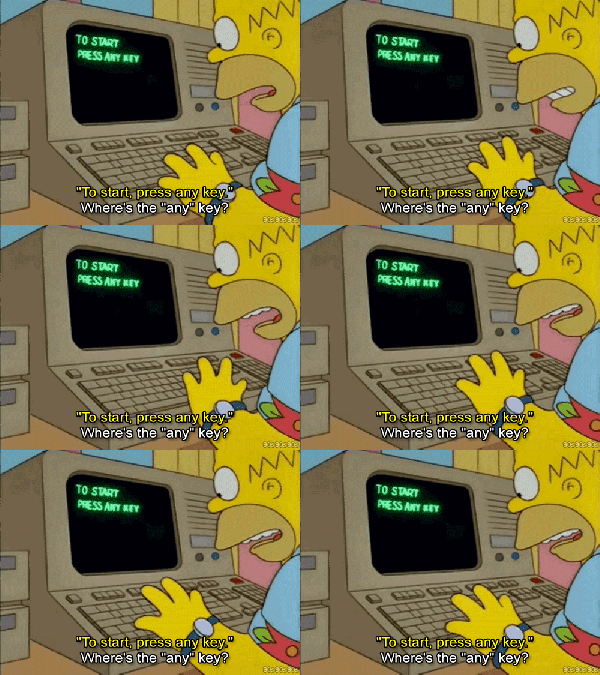
CTRL+ALT+ RIGHT ARROW: With this, you can see how many pages you have opened.
ALT+TAB: With this shortcut, your computer is going to go to the other app or01 window you have opened.
WINDOWS+TAB: With this one, the computer is going to show all the apps as gadgets.
Other 10 shortcuts…
- Windows Key + E: Opens Explorer.
- Windows Key + Up Arrow: Maximize current window.
- Ctrl + Shift + Esc: Open Task Manager.
- Windows Key + F: Opens search for files and folders.
- Windows Key + D: Hide/display the desktop.
- Alt + Esc: Switch between programs in order they were opened.
- Alt + Letter: Select menu item by underlined letter.
- Ctrl + Esc: Open Start menu.
- Alt + F4: Quit active application or close current window.
- Alt + Spacebar: Open menu for active program.
 Iris' Blog